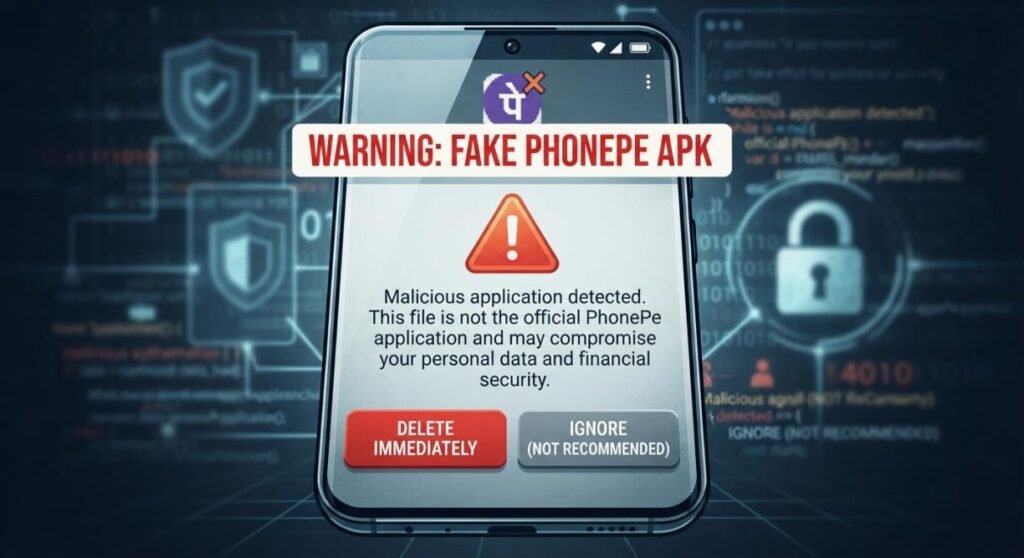

A payment app that looks exactly like PhonePe can create a serious security problem when it is actually a fake APK. Scammers may use copied branding, misleading payment screens, or unofficial installation links to trick users into revealing sensitive information or approving fraudulent transactions.
The solution is not to trust an app simply because it looks familiar, but to verify its source, permissions, developer information, and payment activity before using it. This article explains how to identify a fake PhonePe APK, understand the risks involved, recognize common scam tactics, and follow safer practices when making UPI payments on an Android device.
Read more: Teach Crusader: Meaning, History, Facts & Legacy
What Is a Fake PhonePe APK?
A fake PhonePe APK is an Android application package that falsely presents itself as the PhonePe payment application or imitates its branding, interface, or functionality. Such files may be distributed through unofficial websites, messages, social media posts, file-sharing platforms, or other channels outside trusted app stores.
The important point is that an APK file is not automatically dangerous simply because it has the .apk extension. APK is the standard package format used to install Android applications. The problem arises when an unknown or modified APK pretends to be a trusted financial application.
Fraudsters may use familiar names, logos, colors, and payment screens to make an imitation application appear legitimate. Some malicious applications can also request permissions that have little relationship to what a payment application normally needs.
Because payment apps are connected to sensitive financial activity, installing an unverified imitation can create much greater risks than installing an ordinary questionable app.
Why Do Fake PhonePe APKs Exist?
Fake payment applications are generally created to deceive users or facilitate fraudulent activity. The exact behavior can vary from one malicious application to another. Some may attempt to collect personal information. Others may display misleading payment confirmations, capture credentials, abuse device permissions, or redirect users toward fraudulent websites.
A particularly dangerous situation occurs when someone receives a message claiming that a special version of a payment app is required to receive money, verify an account, or complete a transaction. A legitimate payment service should not require users to obtain an unofficial application from a random download page simply to receive a normal payment. This is why the safest approach is to treat unexpected APK links involving financial applications with caution.
Common Warning Signs of a Fake PhonePe APK
Knowing what to check can significantly reduce your exposure to fraudulent applications.
Unofficial Download Sources
One of the strongest warning signs is an APK offered through an unknown website, private message, file-sharing page, or random download link. If someone sends you an APK and tells you to install it immediately, stop and verify the request first.
For financial applications, obtaining the app through an official distribution channel is generally safer than downloading an APK from an unknown source.
Suspicious App Permissions
Pay attention to the permissions an application requests. An unfamiliar payment-related application that asks for broad access to SMS messages, contacts, accessibility features, notifications, files, microphone, camera, or other device functions should receive careful scrutiny.
Permissions do not prove that an application is malicious by themselves. However, unusual combinations of permissions can be an important warning sign, particularly when they do not appear necessary for the application’s stated purpose.
Strange App Names or Developer Information
Look carefully at the application’s name, icon, developer information, spelling, and store listing. Scammers may use names that resemble legitimate services while making small changes that are easy to overlook. Do not rely on an icon alone. Logos and interface designs can be copied.
Requests for Sensitive Information
Be especially cautious if an application asks you to provide:
- UPI PIN
- banking password
- card PIN
- card security information
- OTP
- unnecessary identity information
- login credentials
Your UPI PIN should never be shared with another person to receive money. Similarly, an OTP should not be disclosed simply because someone claims to be helping you complete a payment.
Unusual Payment or Login Screens
A fake application may attempt to imitate familiar payment screens. However, visual similarity is not proof of authenticity. A convincing interface can still belong to a malicious application.
If a payment screen behaves differently from what you normally see, asks for unusual information, or redirects you to an unfamiliar page, stop the transaction and verify the application through an official source.
Risks of Installing a Fake PhonePe APK
The consequences of installing a fraudulent payment application can extend beyond the application itself.
| Risk | What can happen | Warning sign |
| Financial fraud | A scammer may manipulate or redirect a transaction | Unexpected payment requests |
| Credential theft | Login or sensitive information may be targeted | Requests for confidential credentials |
| Malware | The application may contain harmful software | Installation from an unknown source |
| Privacy loss | Personal information may be accessed or collected | Excessive permissions |
| Social engineering | The app may support deceptive messages or screens | Urgent or unusual instructions |
Financial Fraud
A malicious application may be used as part of a broader payment scam. The application itself might not directly transfer money; instead, it could support a fraudster’s attempt to persuade the victim to authorize a transaction. This distinction matters because many digital-payment scams rely on social engineering rather than simply breaking into a banking account.
For example: A scammer may claim that you need to enter your UPI PIN to receive money. In reality, entering a UPI PIN generally authorizes a payment rather than accepting one.
Malware and Data Theft
An unofficial APK can potentially contain malicious code. Depending on its design and permissions, malware may attempt to access information stored on a device, monitor activity, display deceptive content, or interfere with normal device behavior. The danger becomes greater when users grant powerful permissions without understanding what those permissions allow.
Account and Credential Theft
Fraudulent applications can be used to imitate login screens or create other opportunities for credential theft. Even if no money is immediately lost, compromised account information can create additional problems later. For this reason, financial applications deserve a higher level of caution than ordinary entertainment or utility apps.
Privacy Risks
A suspicious application may request access to personal information or device functions that are unnecessary for its advertised purpose. The safest practice is to minimize unnecessary permissions and remove applications that you do not trust.
Fake Payment Apps and Fake Payment Screenshots
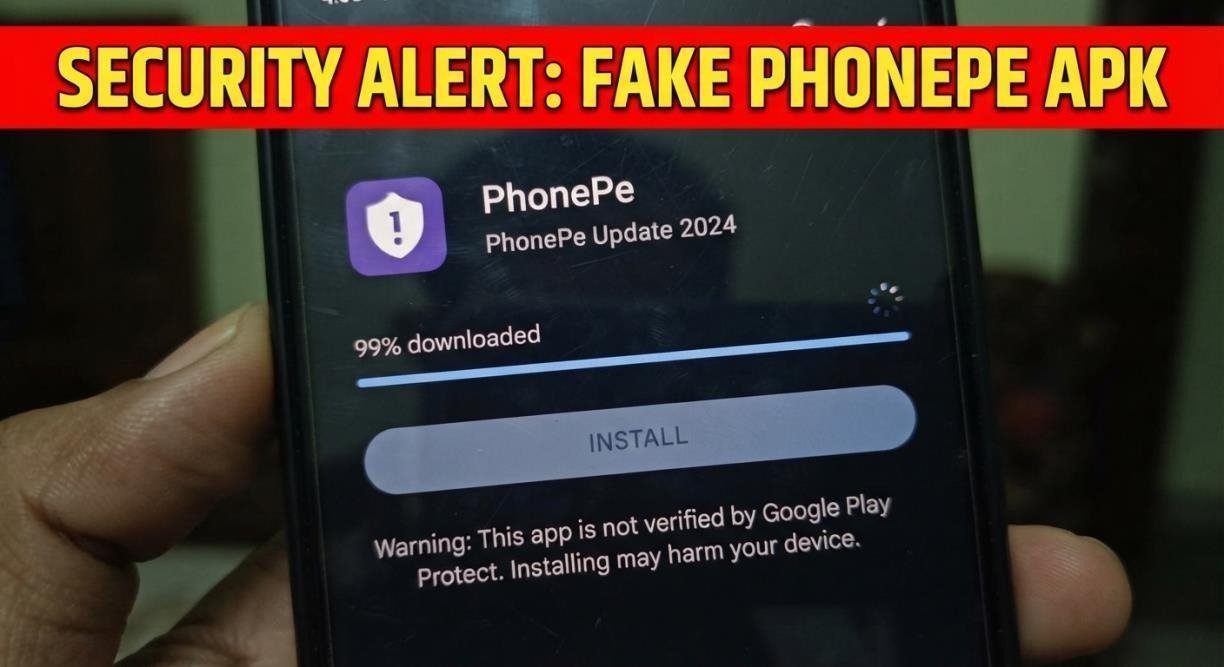
There is another related problem: fake payment confirmations and screenshots. A person may show an image that appears to prove that a payment has been completed. However, an image is not reliable proof that money has reached your account. If you are selling an item, providing a service, or receiving money, verify the transaction through your own trusted payment or banking interface.
Do not release goods simply because someone shows you a screenshot saying “payment successful.” This simple habit can help protect against a wide range of payment scams, regardless of whether a fake APK was involved.
How to Check Whether a PhonePe App Is Genuine
When checking an Android payment application, use several signals instead of relying on one feature. First, obtain the application from an official app marketplace or the service’s official website. Avoid random APK repositories when an official installation method is available.
Next, examine the developer information and application listing. Check whether the listing appears consistent with the legitimate service. Also consider how you received the application. An unexpected message saying “install this version immediately” is a reason to pause.
Do not assume that an application is genuine because it uses familiar branding. Fraudsters can reproduce logos, colors, names, screenshots, and other visual elements. Finally, keep Android and your security software updated. Modern devices provide security mechanisms that can identify or restrict some potentially harmful applications.
What to Do If You Installed a Suspicious APK
If you have already installed a suspicious APK, do not panic, but act promptly. Start by disconnecting the device from unnecessary network connections if you suspect malicious activity. Avoid entering banking credentials, UPI PINs, passwords, or OTPs into the suspicious application.
Then uninstall the application if it can be safely removed. Review the application’s permissions and check whether unfamiliar applications were installed around the same time. If you entered financial credentials or sensitive information, contact the relevant bank or financial service through its official customer-support channel.
Change compromised passwords where appropriate, using a trusted device if necessary. If you notice an unauthorized financial transaction, report it to your bank and the appropriate fraud-reporting authorities as quickly as possible. Also monitor your bank and payment accounts for unfamiliar activity.
How to Protect Your Phone and UPI Account
Good security habits are often more effective than trying to identify every possible scam after the fact. Use official app stores and trusted sources for financial applications. Keep your phone’s operating system and applications updated. Use a strong device lock and avoid sharing your authentication information.
Never share your UPI PIN or banking password with someone who contacts you unexpectedly. Be careful with remote-access or screen-sharing requests. A stranger who asks you to install an application so they can “help” with a payment deserves particular caution.
You should also verify payment requests before approving them. Read the recipient and transaction information carefully rather than approving a request automatically. For merchants and sellers, verify incoming payments independently instead of relying on screenshots, messages, or verbal claims.
Why Official App Sources Matter
Official distribution channels provide an important layer of protection because they give users more information about an application and reduce the chance of accidentally installing an unknown package. This does not mean every app available through an official store is automatically safe. Users should still pay attention to developer information, permissions, reviews, updates, and unusual behavior.
However, downloading a financial application from a random APK website removes an important layer of trust. If you encounter a website advertising a “fake PhonePe APK,” “modified PhonePe APK,” or special payment APK, do not treat the phrase as evidence that the file is legitimate or useful. In most situations, the safer response is to avoid the file and obtain the legitimate application through an official channel.
FAQs about fake phonepe apk
Q1: What Is a Fake PhonePe APK?
Ans: A fake PhonePe APK is an Android application package that falsely imitates PhonePe or claims to be an unofficial version of the service. It may be designed to deceive users, collect sensitive information, or support payment scams.
Q2: Is a Fake PhonePe APK Safe to Install?
Ans: No. You should avoid installing APK files that claim to be fake, modified, or unofficial versions of PhonePe. Their contents may be unsafe and could expose your device, personal information, or financial accounts to risk.
Q3: How Can I Identify a Fake PhonePe App?
Ans: Check where the app came from, its developer information, permissions, name, behavior, and installation instructions. Do not rely only on the PhonePe logo or interface because scammers can copy familiar designs.
Q4: Can a Fake PhonePe App Steal Money?
Ans: A fraudulent app can potentially be part of a financial scam by collecting information, displaying deceptive screens, or helping scammers manipulate users into authorizing transactions. Never share your UPI PIN or OTP.
Q5: Is Every APK File Dangerous?
Ans: No. APK is simply the standard Android application package format. The risk depends on the application inside the file, its source, permissions, and whether the software can be trusted.
Q6: What Should I Do If I Installed a Suspicious APK?
Ans: Stop using the suspicious application and avoid entering sensitive information into it. Remove it if possible, review its permissions, update your device, and monitor your financial accounts. If you provided banking credentials or notice unauthorized activity, contact your bank through an official channel immediately.
Q7: Can a Fake PhonePe Screenshot Prove That a Payment Was Made?
Ans: No. Screenshots can be edited or fabricated. Always verify a payment through your own trusted banking or payment application before releasing goods, services, or money.
Final Thoughts
Fake PhonePe APK can lead users toward potentially dangerous files, misleading payment screens, and financial scams. The safest approach is simple: avoid unofficial versions of financial applications, verify the source before installing anything, protect your UPI PIN and OTP, and confirm payments through your own trusted account.
A familiar logo or convincing payment screen does not prove authenticity. Good digital-payment security comes from slowing down, checking the source, limiting unnecessary permissions, and verifying transactions independently.